Version 0.2
Event Studio, clearer bookings and venue spaces
Event planners get Event Studio and the full price as they book. Providers can list every venue space with its own floor plan, and set up their team, equipment and travel once.
For event planners
Event Studio
Plan, book and run your event in one place

Event Studio is the new home for every event you organise. Describe what you have in mind and Artistover AI drafts a plan you can turn into an Event, or share so friends or colleagues can vote on the options.
Build the schedule hour by hour, over several days if you need them. Search for services and venues that suit your Event and book them straight into it. A booked venue fills in where the Event takes place, and messages from your suppliers sit together in one inbox.
Invite guests and follow their replies, plan the room on a floor plan, and keep track of what you have spent. For ticketed events, sell tickets and passes for one day or several, and check guests in at the door.
The artwork studio lets you design your poster and Event page with your own images, fonts, effects and a QR code, or start from a template.
Booking
See the full price before you send a request

We rebuilt the booking flow around the total. As you choose a package, date, guests and extras, the price updates beside you, and you can open any line to see how it is worked out.
Before you confirm, you can see the refund deadline for your date and how many guests your chosen packages can take. When a listing has three or more packages, you can compare them side by side. After you book, a short recap shows what happens next, with a button to add the booking to your calendar.
Your booking page now has one clear layout, with Manage booking for any changes. When a change is agreed, the difference in price is charged or refunded automatically.
Also improved
- Bookings can now run over several days.
- When your provider is on the way, you can follow their live arrival time.
- Receipts for every payment and refund are kept as PDFs under Billing and payouts in your account.
For providers
Venues
List every space in your venue
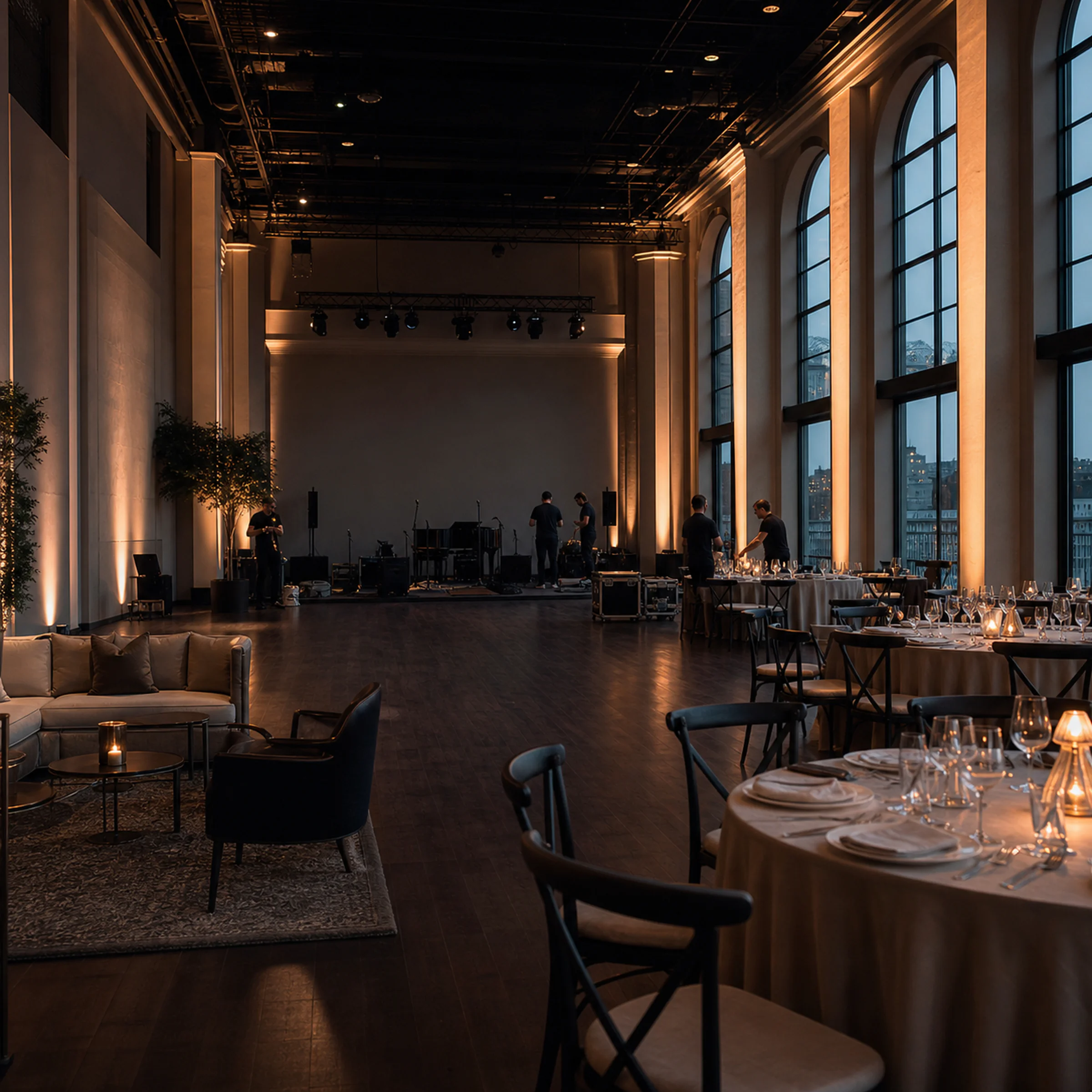
Venues can now list each room or area as its own space, with its own capacity, layouts and floor plan. Clients pick the space that suits their event, and any premium for that space is included in the price they see.
Floor plans handle irregular rooms, zones, columns, stairs and standing capacity. Draw a plan yourself, or scan a drawing of the room to get started.
You can also set how many events each space can host at the same time, add a cleaning fee or a refundable security deposit, and publish food and drink menus for guests to choose from when they book.
Listings
Set up your team, equipment and travel once
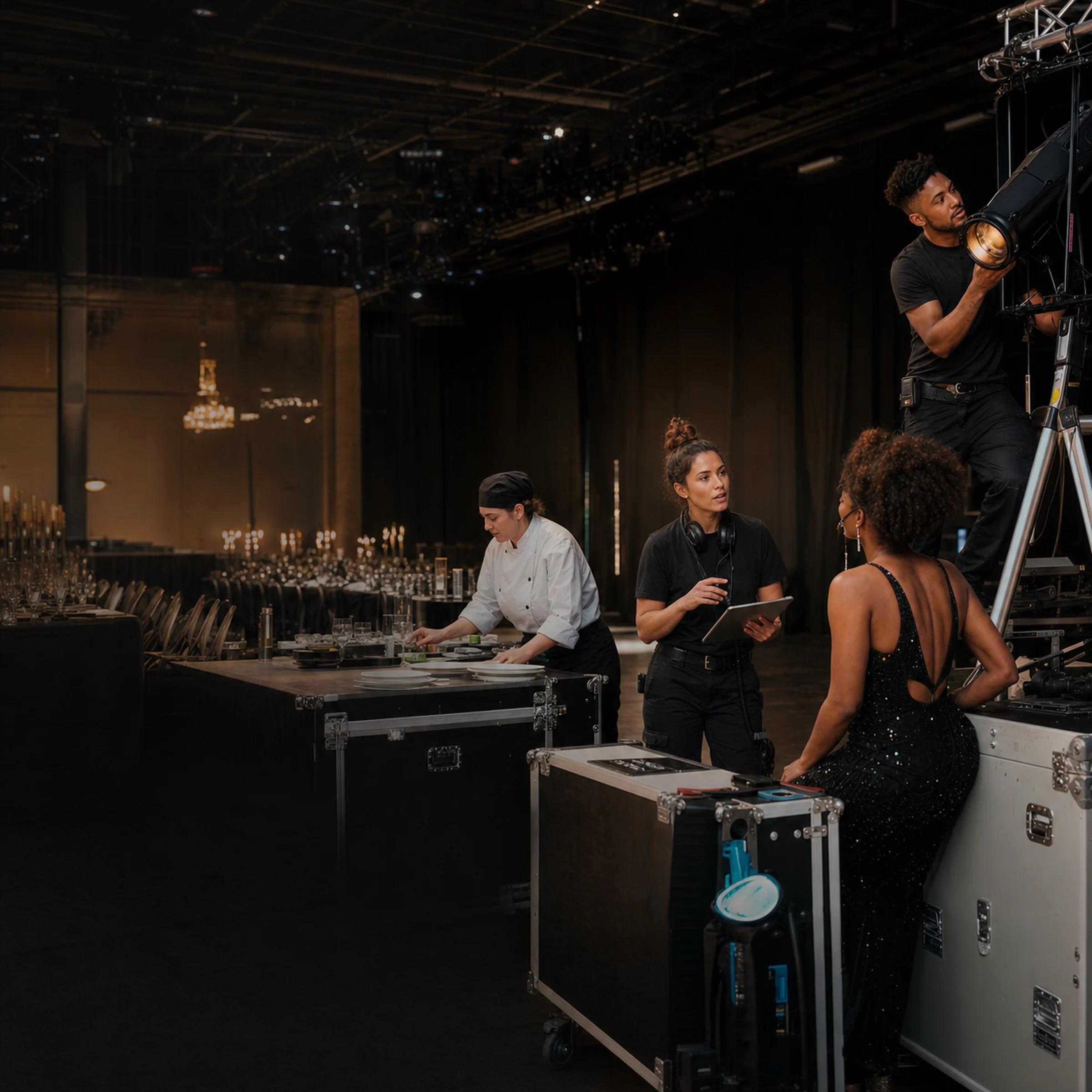
Service and venue listings now share the same steps for people, equipment, food and travel, so these details work the same way wherever you set them.
Add the specific people who work your events, or describe roles such as two bar staff, and offer paid staff roles as extras clients can add. Equipment and other assets have their own photos, stock and booking hours. Travel covers delivery and pickup to drop-off trips, and your service area shows as a radius on the map.
If something is stopping a package from going live, the studio tells you what it is and opens the field that fixes it. Addresses fill in fully as you type, wherever you are, and each listing keeps its own time zone so bookings always show the right local time.
Also improved
For everyone
- The dashboard has a new layout, with search and clearer menus on phones and desktop.
- On larger screens, Messages shows your conversations beside the open chat, with a safety notice if someone suggests paying outside Artistover.
- Prices can show in your own currency, based on where you are or the currency you choose. What you pay does not change.
- Support chats start with Artistover AI, and it tells you when a person will reply if your request needs one.
- Help Centre answers are now translated into every language Artistover supports.